 HotspotOn
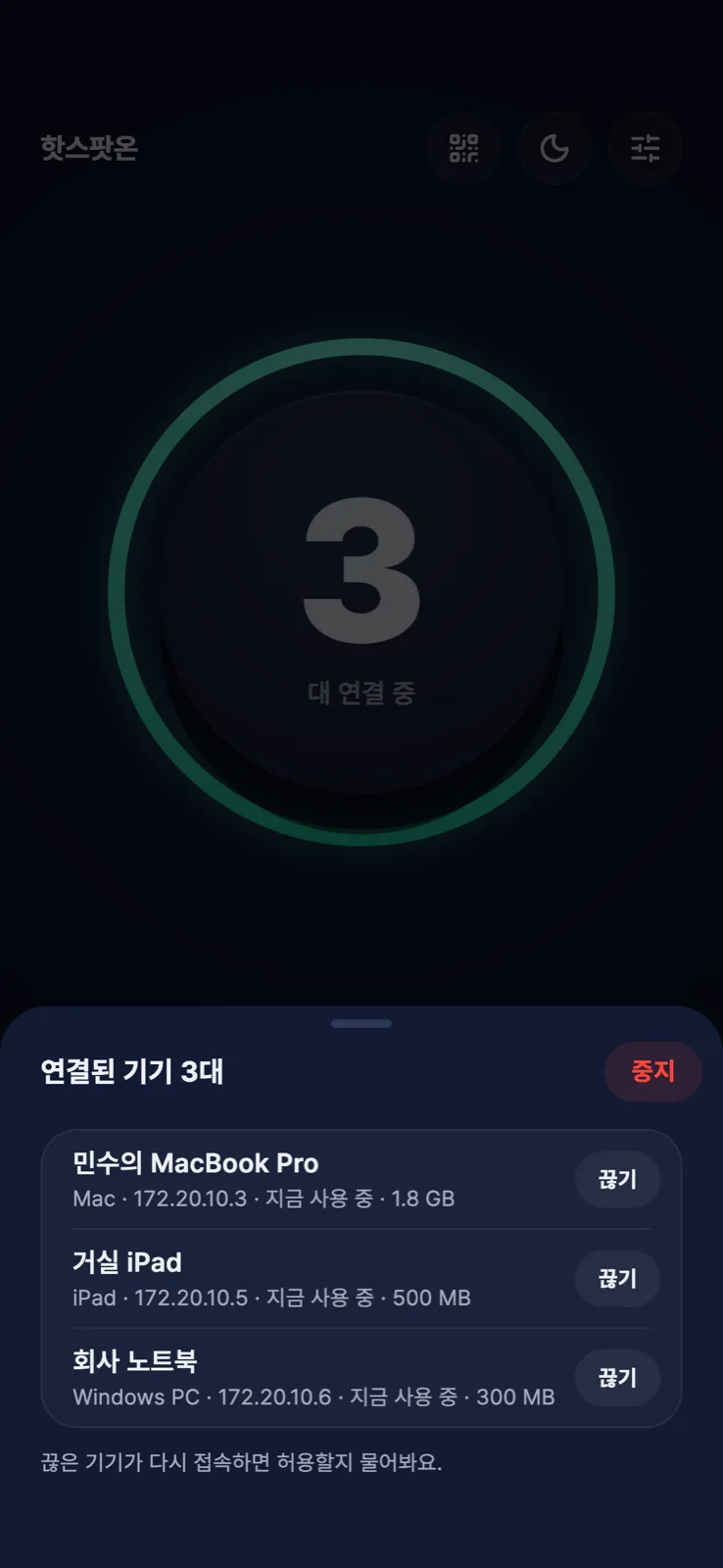
See who’s connected
Devices show up by name and type. Kick unknown ones, then allow or block them for good when they try again.
HotspotOn · coming soon
Tap one circle. HotspotOn shares the data your phone already uses with your laptop and tablet.
172.20.10.1:8080
How it works
No extra hardware, nothing to install. Set up once, then just tap the circle.
Tap the circle on your phone. On Android the app even opens the Wi-Fi for you.
Phones and tablets join the Wi-Fi by scanning the QR. Laptops pick it from the Wi-Fi list.
One click on Mac, one file on Windows. Next time it just works when you join.
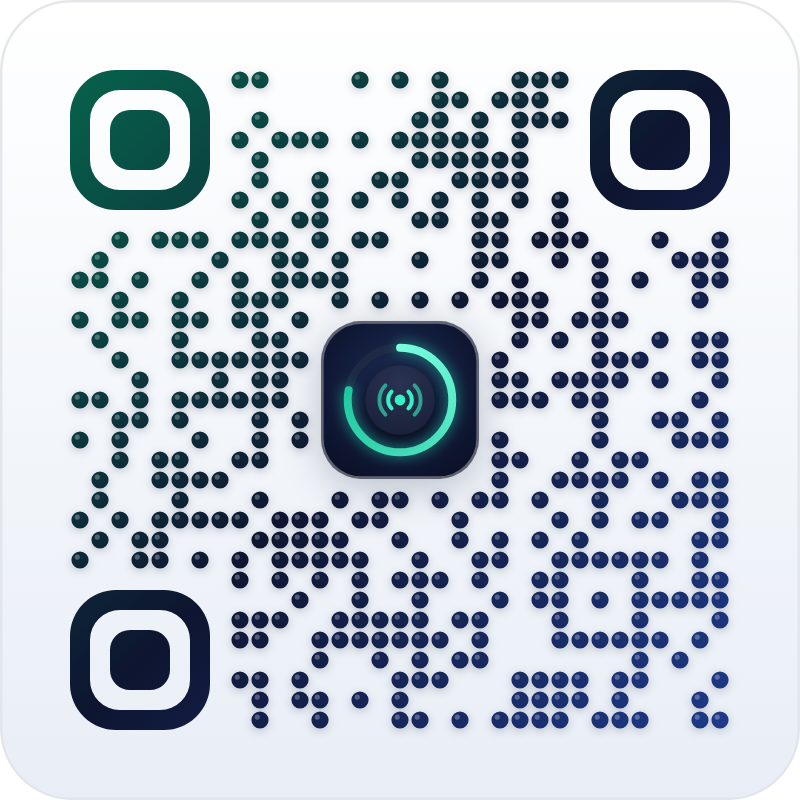
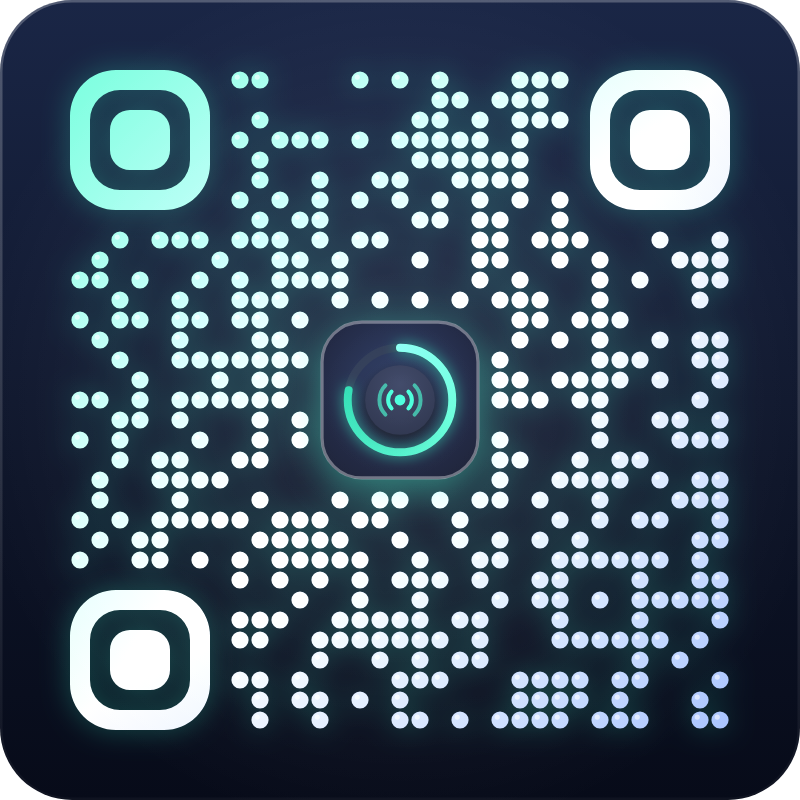
3D QR
A clean white card any camera reads. Touch it and it turns into a dark neon card that tilts with your finger as dots ripple out.
Features
Devices show up by name and type. Kick unknown ones, then allow or block them for good when they try again.
A dim screen that never locks your phone, so sharing never stops. Brightness comes back when you leave.

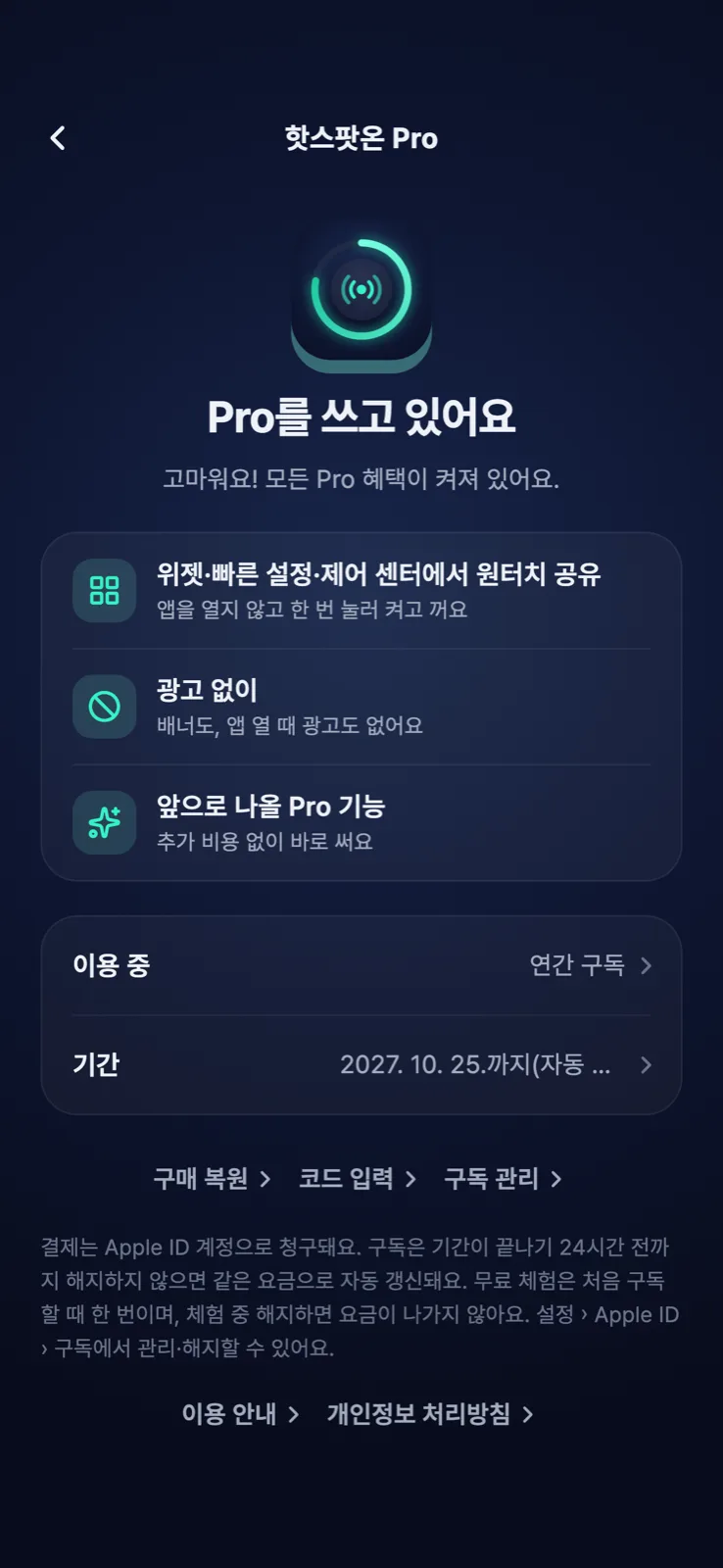
With Pro, start and stop from home-screen widgets, Android Quick Settings and the iPhone Control Center.
Pricing
Sharing from the app is always free. Pro adds one-tap start and an ad-free screen.
Free
$0
Monthly
$1.99/mo
Cancel anytime
Yearly
$14.99/yr
≈ $1.25/mo · 7 days free
Lifetime
$29.99
Pay once
US prices. Local prices are shown in the App Store and Google Play; billing, cancellation and refunds follow each store’s policy. Redeem promo codes in Settings › Redeem code.
Platforms
Background sharing on iOS 26+
Opens its own Wi-Fi
One setup file
Run one file
Scan the QR, paste the address
FAQ
No. It’s a proxy running on your phone. Traffic isn’t sent to any other server or logged, and HTTPS stays encrypted end to end.
Browsers and apps that follow the system proxy setting work right away. Some messengers and games ignore proxy settings and may not work.
Nothing. On Mac open the setup file once; on Windows run the setup file once. After that it’s automatic.
iOS 26+ shares in the background for the time you choose, but iOS may stop it earlier under heat or battery pressure. The no-lock dim screen is the most reliable.
HotspotOn doesn’t change your plan. Data use, speed and terms still follow your carrier plan — please use it within those terms.
Coming soon to the App Store and Google Play.